 Colorvia
Search and select
Search by country name or browse by region, then select the places you have visited.
VISITED PLACES
Colorvia is focused on marking visited places and colouring the map.
In supported countries, go deeper with states, prefectures and provinces.
Not a travel journal — a collection of places, and the progress of filling them in.

From countries to regions—quietly build a record of your travels.
Search by country name or browse by region, then select the places you have visited.
Visited countries light up. Pinch, drag and reset the map anytime.
In 11 supported countries, record prefectures, states, provinces and travel areas.
See visit counts, world percentage and breakdowns by continent and region.
Export and import from Settings to move records to a new device.
Map, tracking, stats and place search work without a network.
GO DEEPER
In supported countries, record states, prefectures, provinces, federal territories and travel areas. Search by city or place name to find the right region.
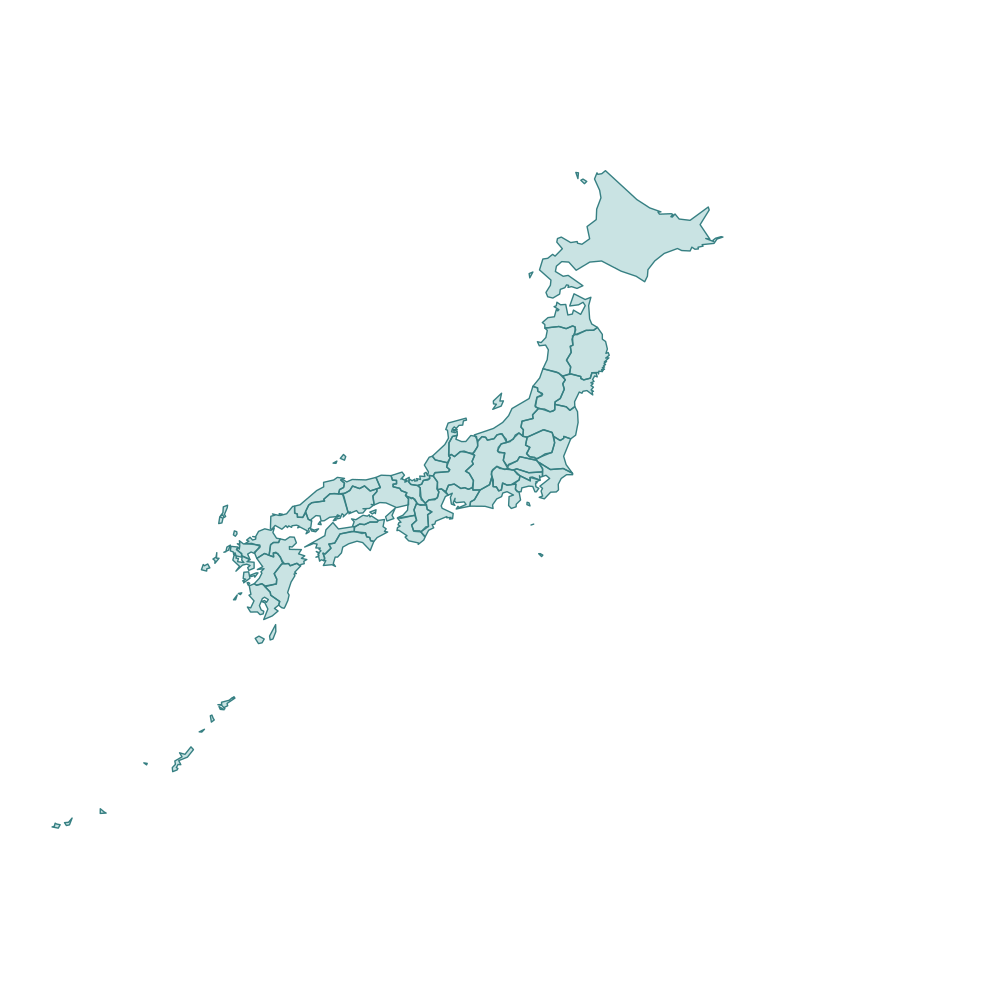
Prefectures
47 regions
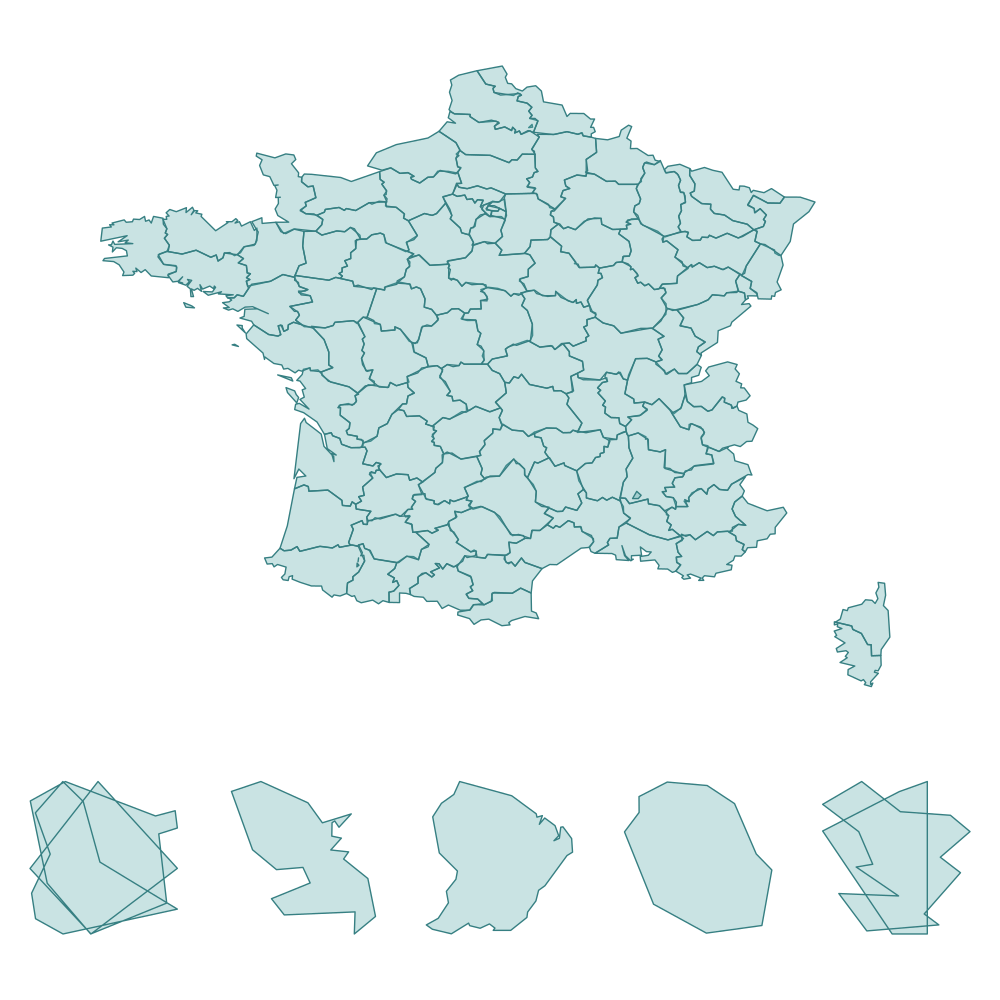
Departments
101 regions
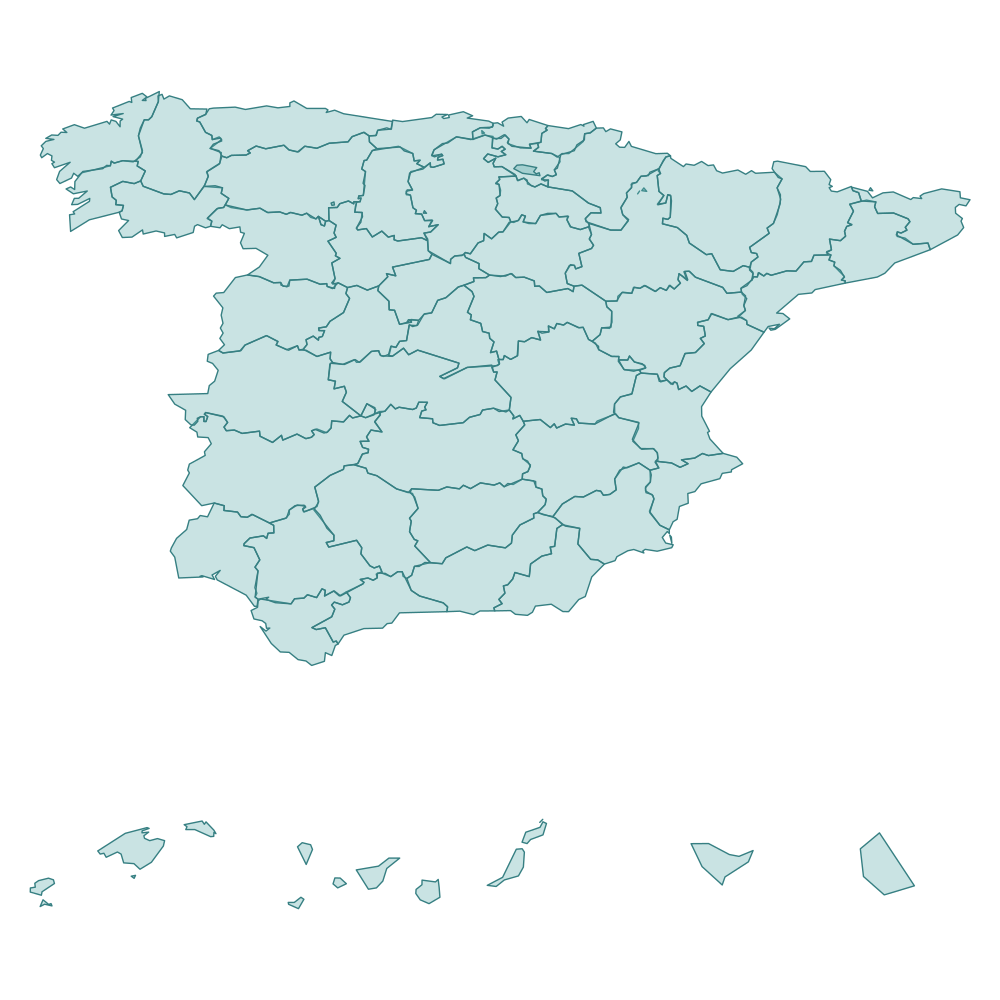
Provinces & autonomous cities
52 regions
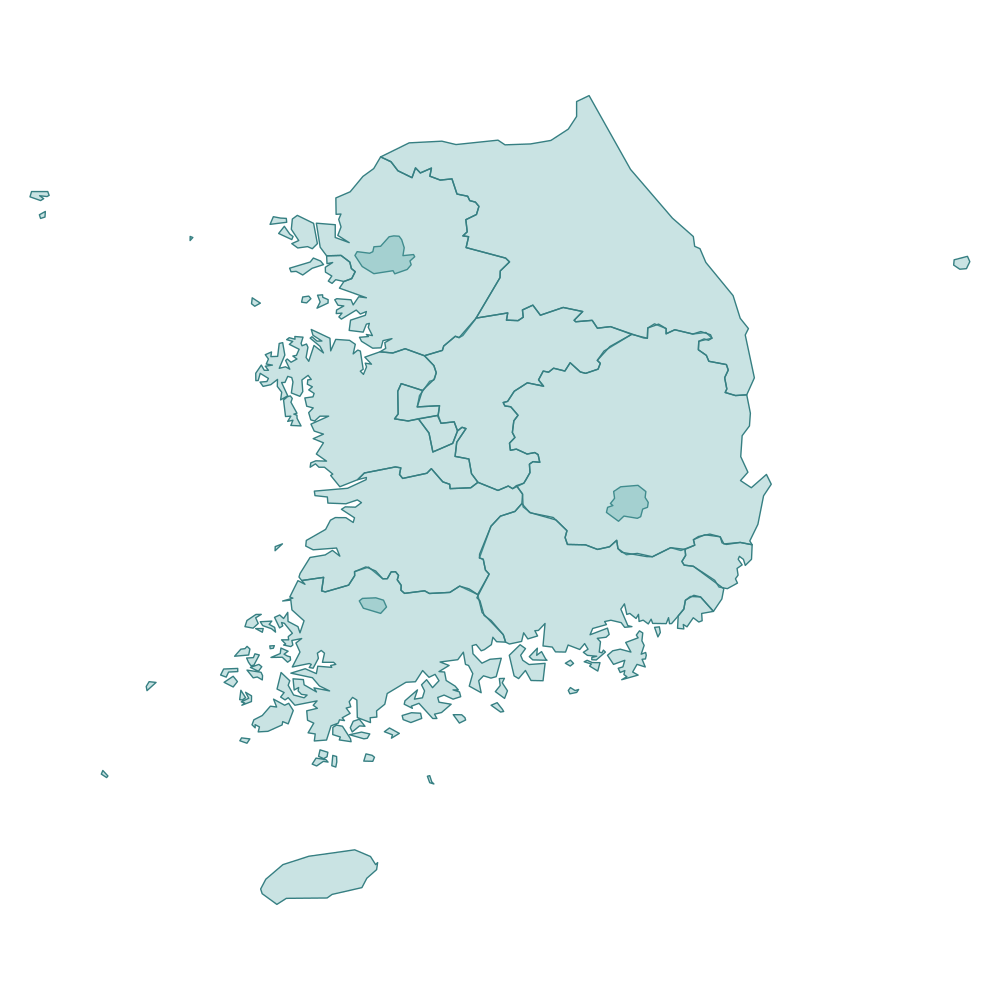
Special / metro cities & provinces
17 regions
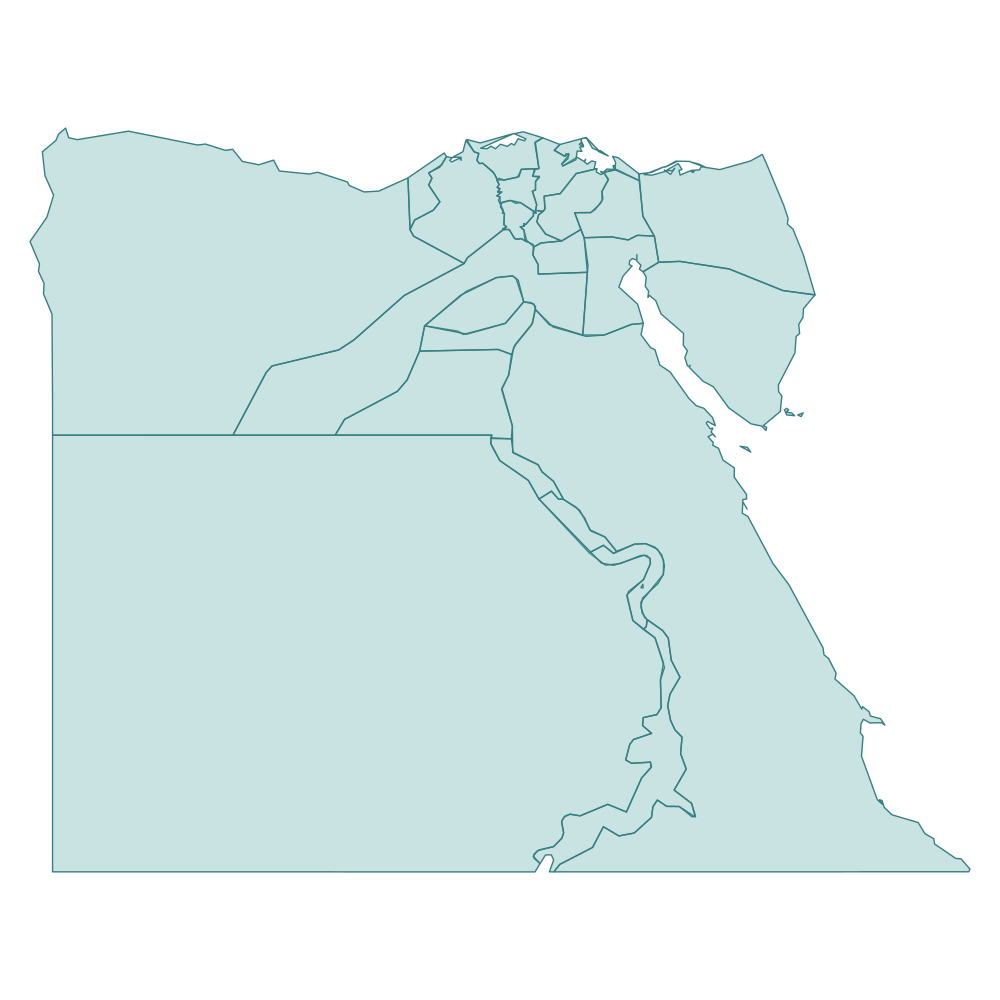
Governorates
27 regions
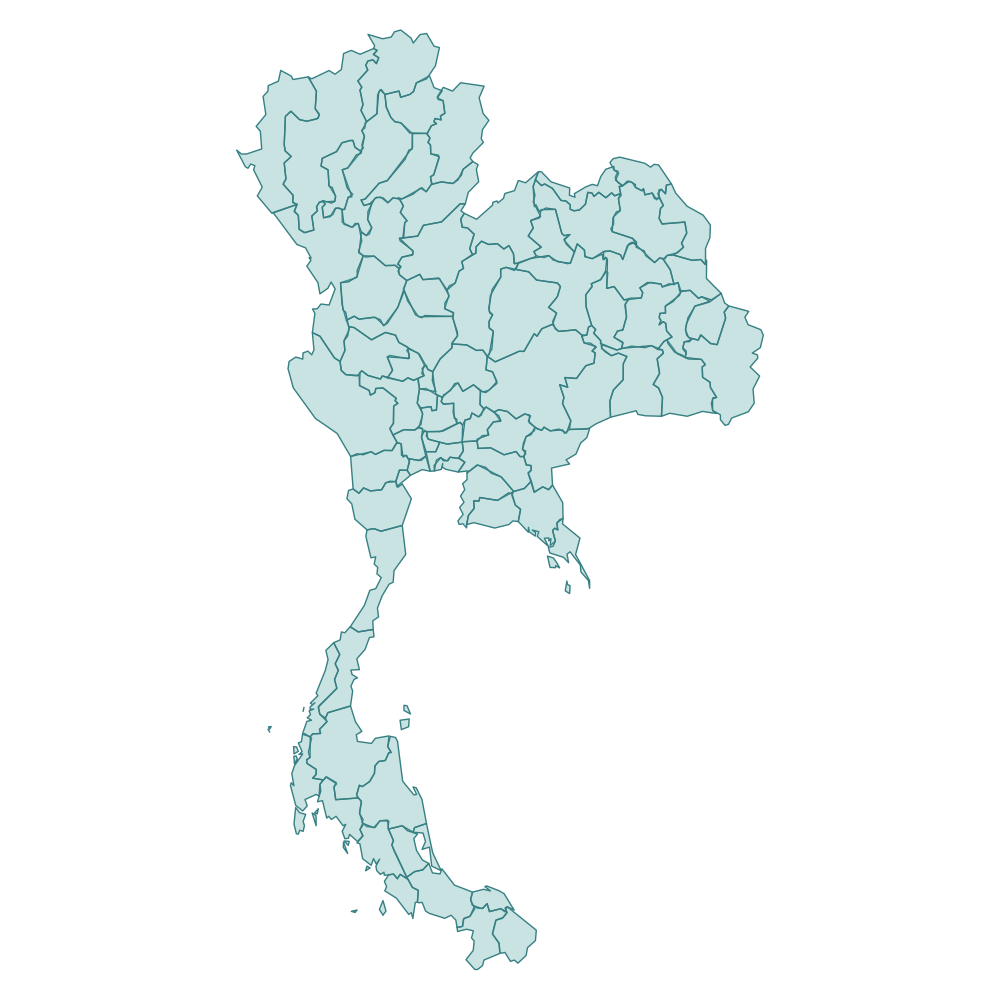
Provinces & Bangkok
77 regions
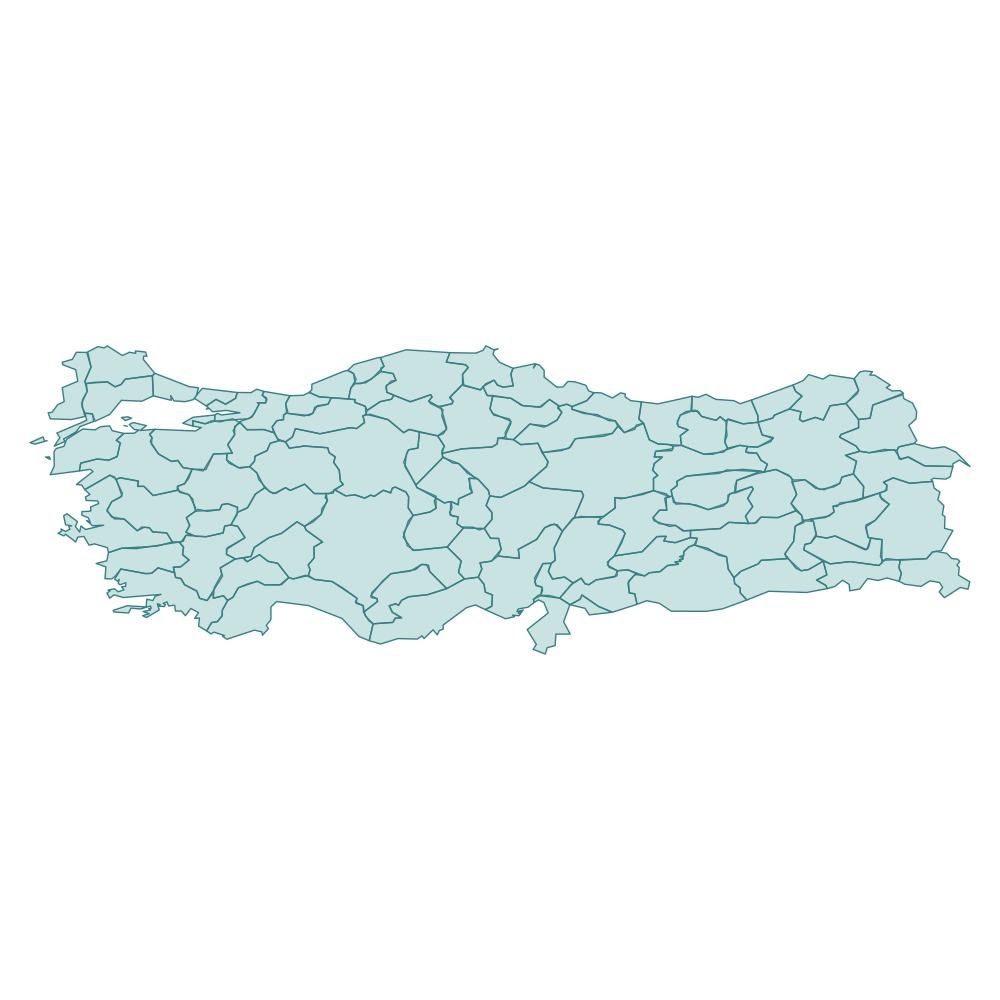
Provinces
81 regions
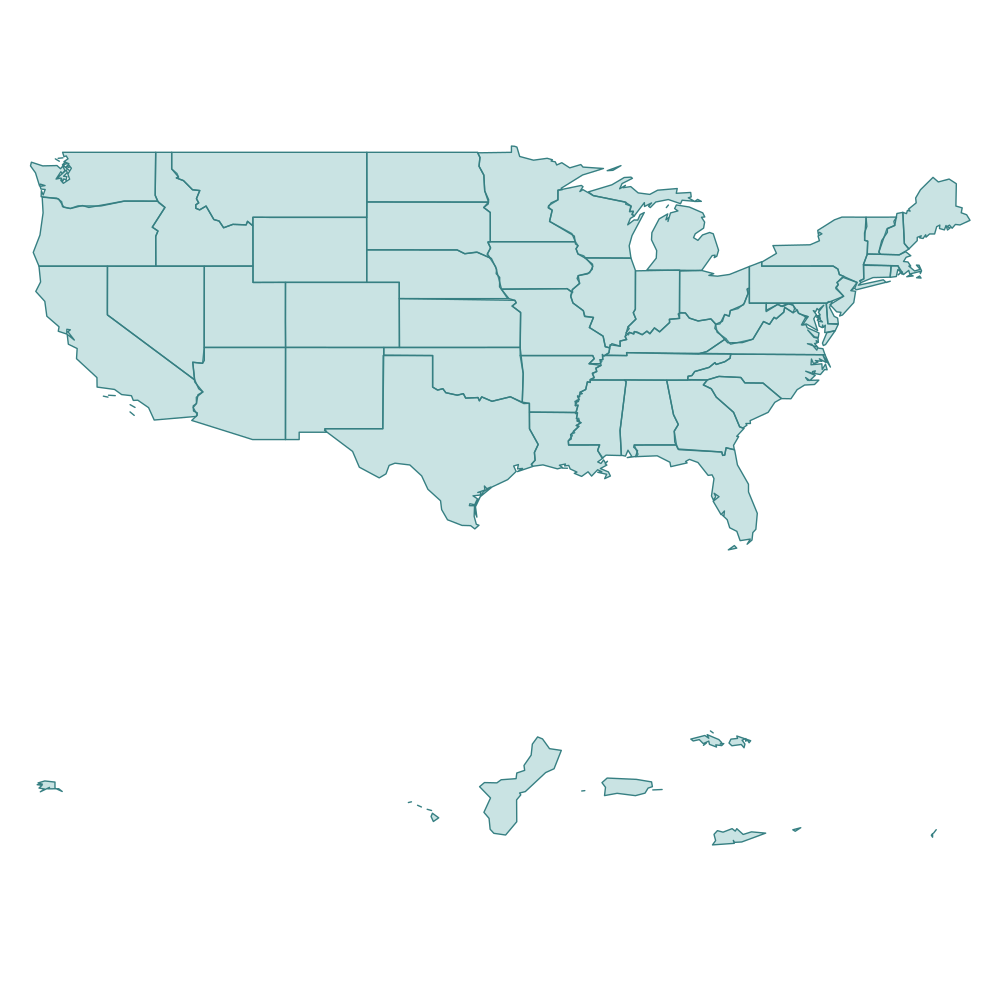
States, D.C. & territories
56 regions
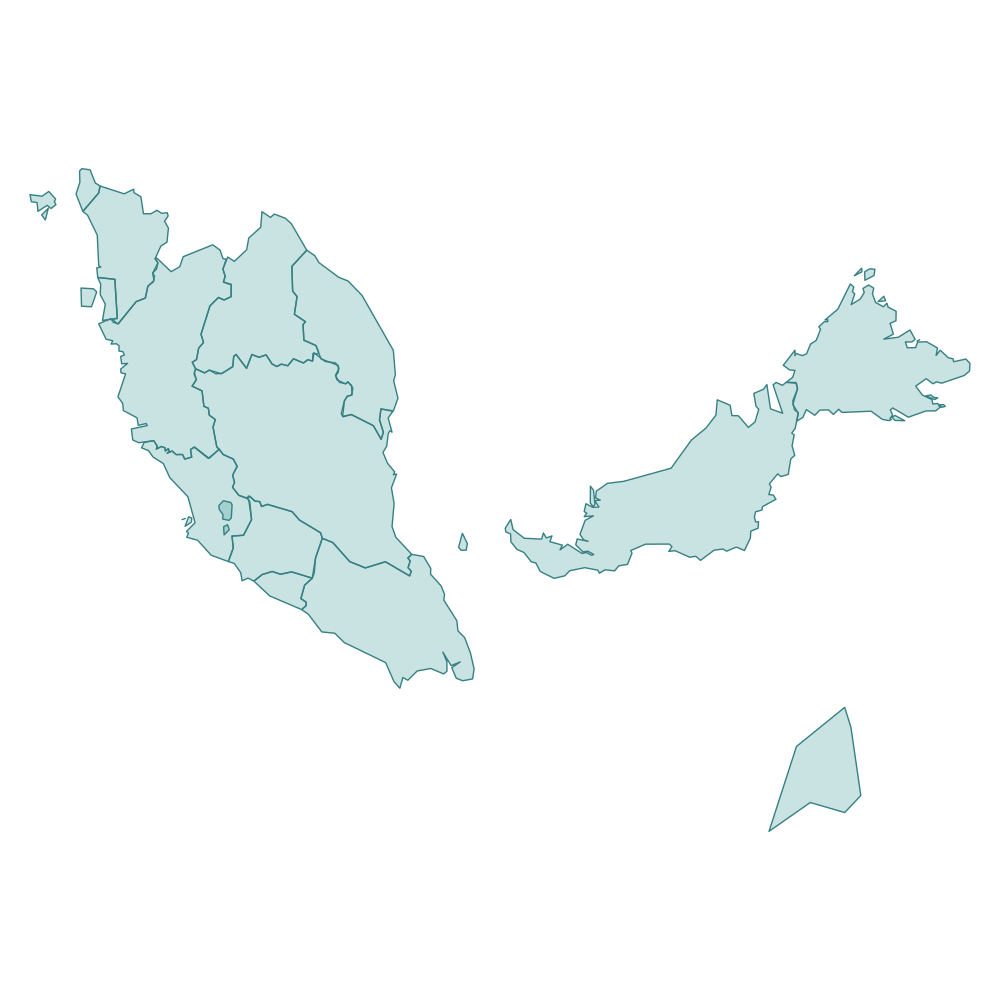
States & federal territories
16 regions
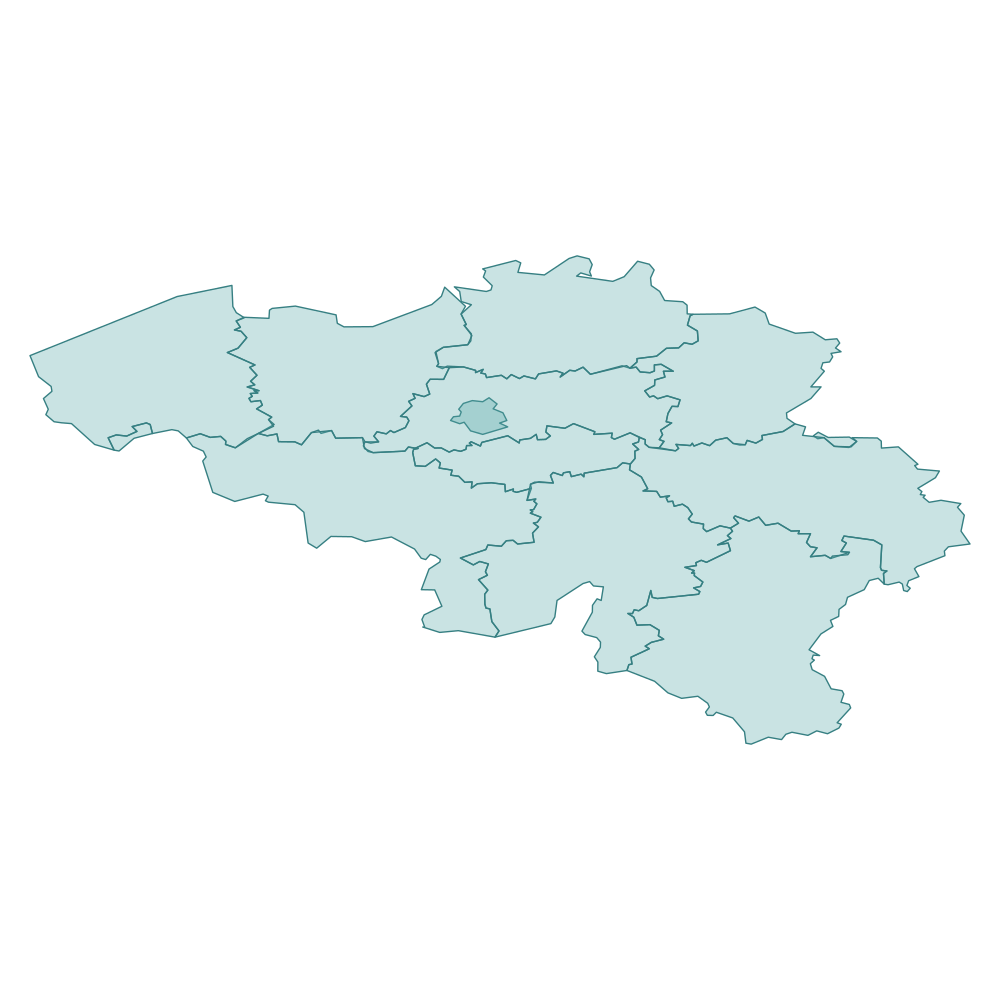
Provinces & Brussels
11 regions
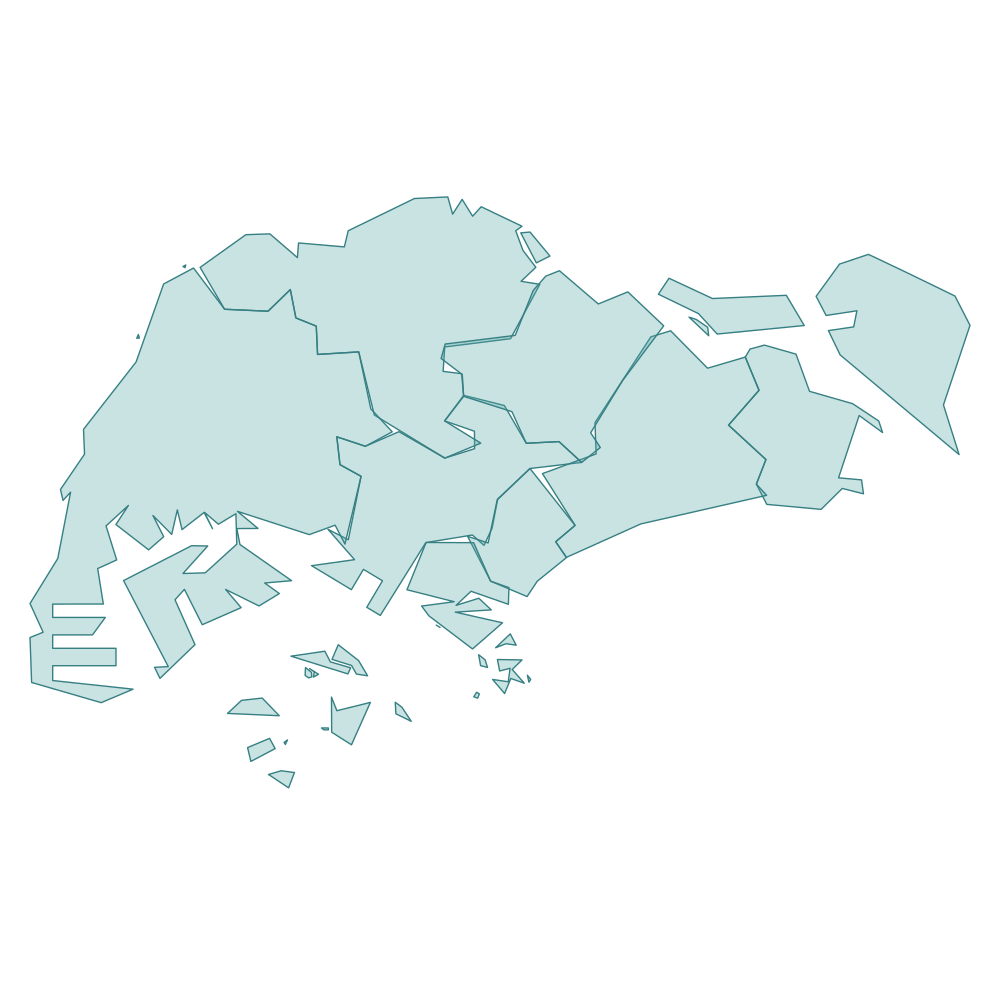
Travel areas
8 regions
Maps and regional divisions in Colorvia are simplified for travel logging and do not express a political position.
Regional maps in detail →Open +, search or browse, check countries you visited, then confirm.
The world map fills in colour; open the sheet for counts and percentages.
In supported countries, mark prefectures, states and more via search or lists.
Japanese, English, German, Spanish, French, Italian, Korean, Portuguese (Brazil), Russian, Simplified Chinese, Traditional Chinese
Real screens from the app.


Yes. Core features are free. On taller devices, a banner ad may appear at the bottom of Home. A one-time Remove Ads purchase hides it.
No. Use Home’s + button and the country list. The map supports zoom, pan and reset only.
Yes. Export JSON from Settings → Data management and import it on another device. There is no automatic iCloud sync.
Colorvia is available now on the App Store. Core features are free; a banner ad may appear on some devices.
● Download on the App Store